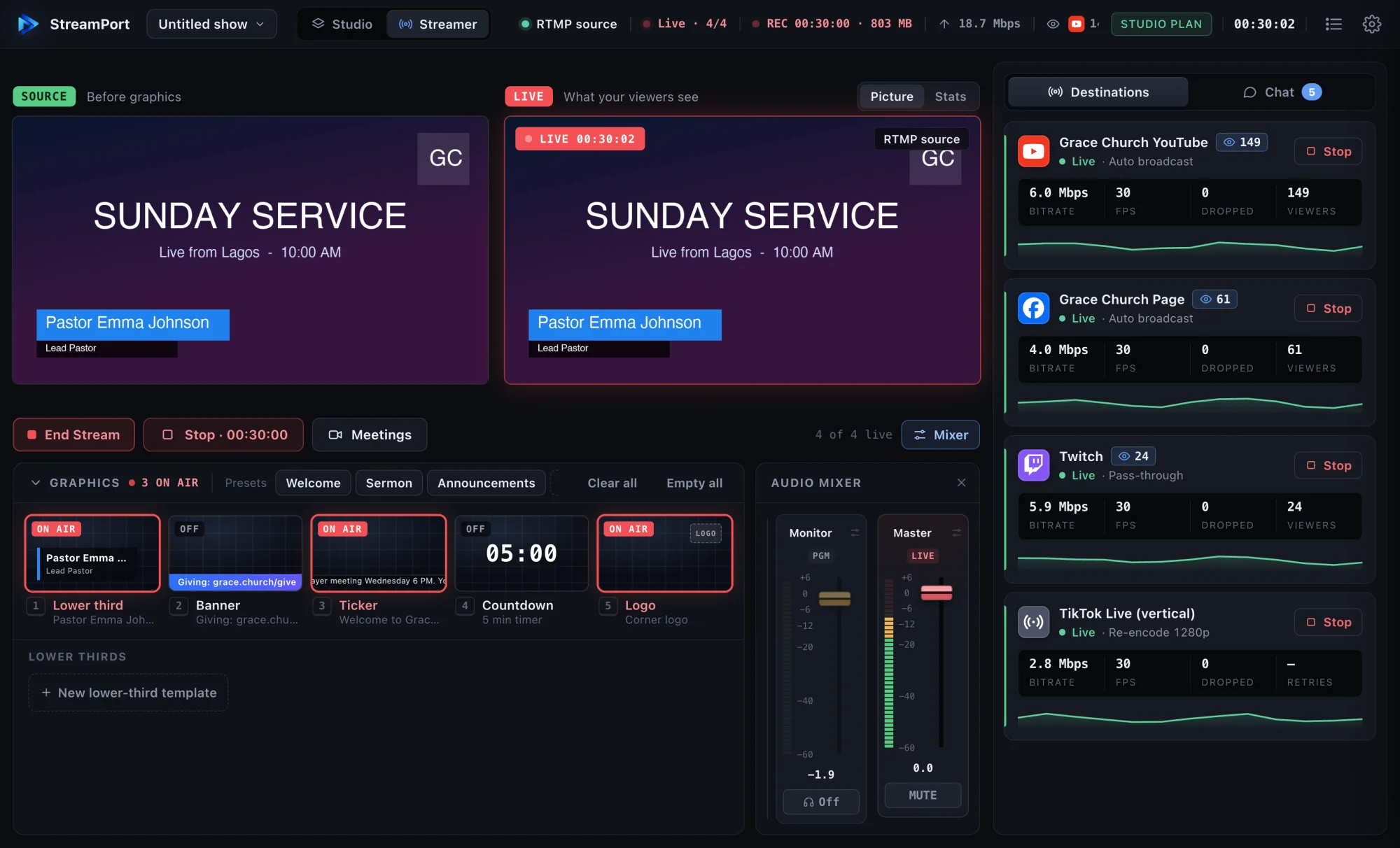
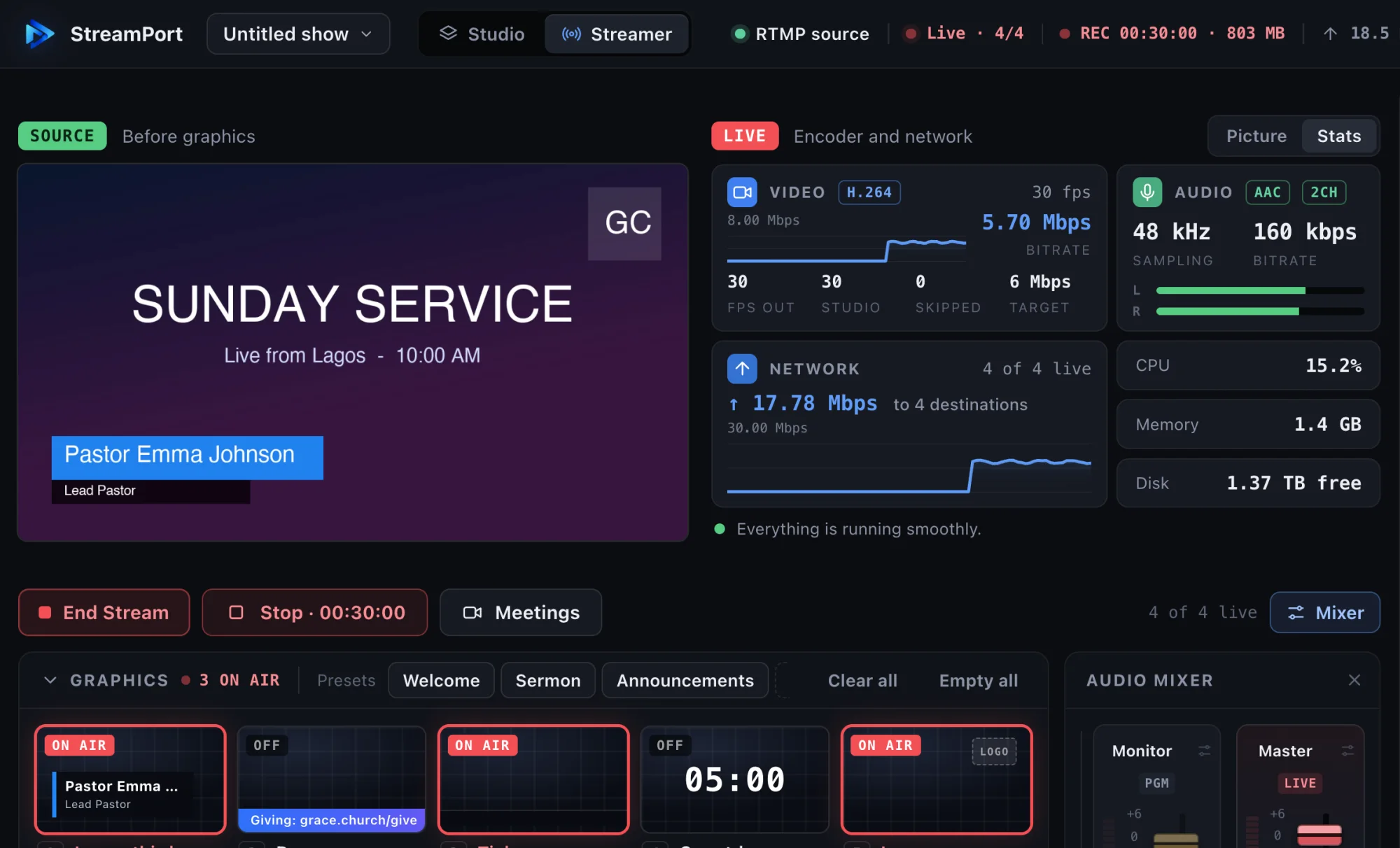
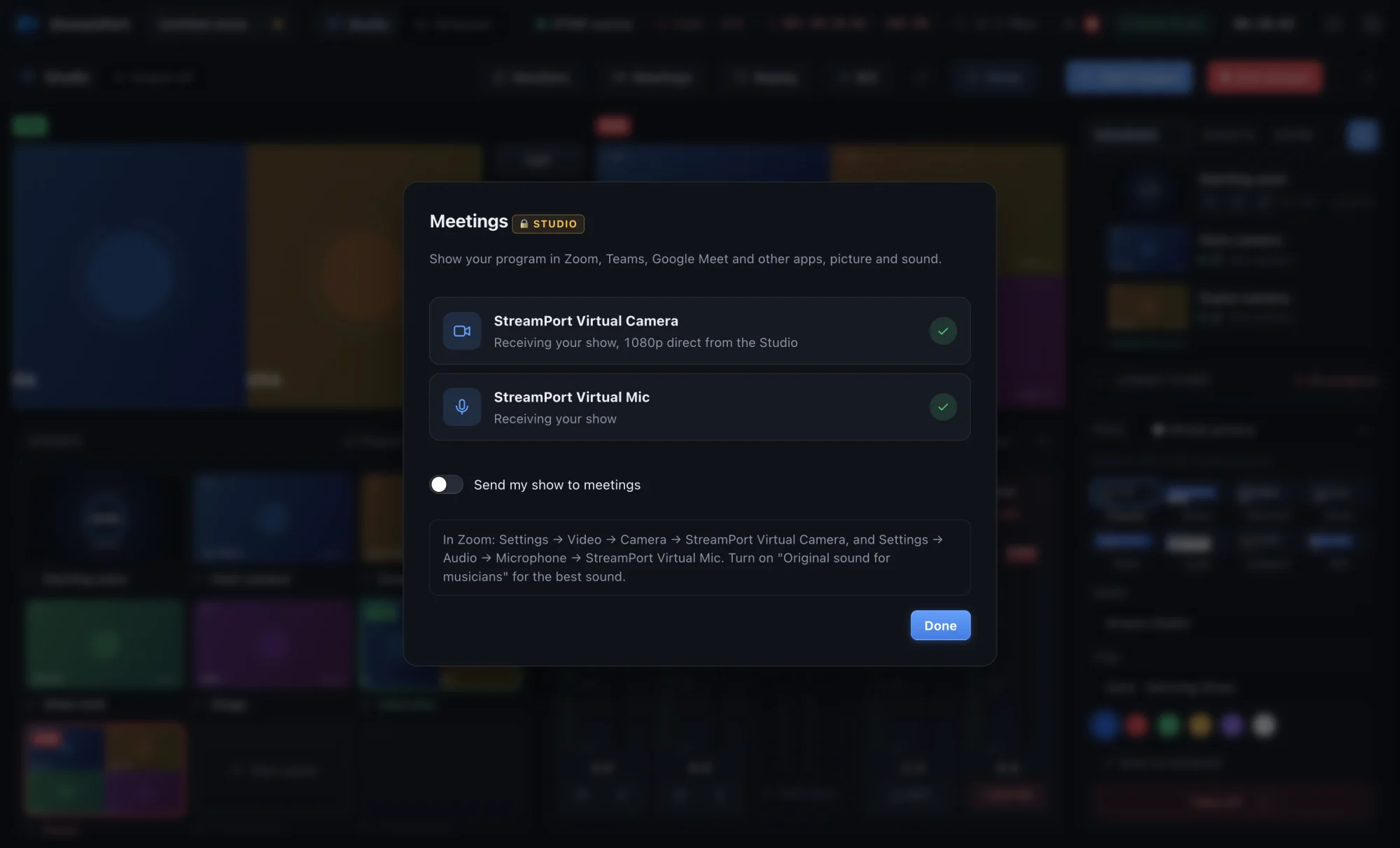
Switch cameras, screens, remote guests and Zoom callers, add broadcast graphics and a real audio mix, then stream to every platform at the same time.
14 days free with every feature · No credit card · Apple Silicon and Intel
Go live everywhere your audience is
Works with Zoom · NDI · Stream Deck · OBS · vMix · ATEM · USB and HDMI cameras
The tools of a TV control room, designed for one person on one Mac.
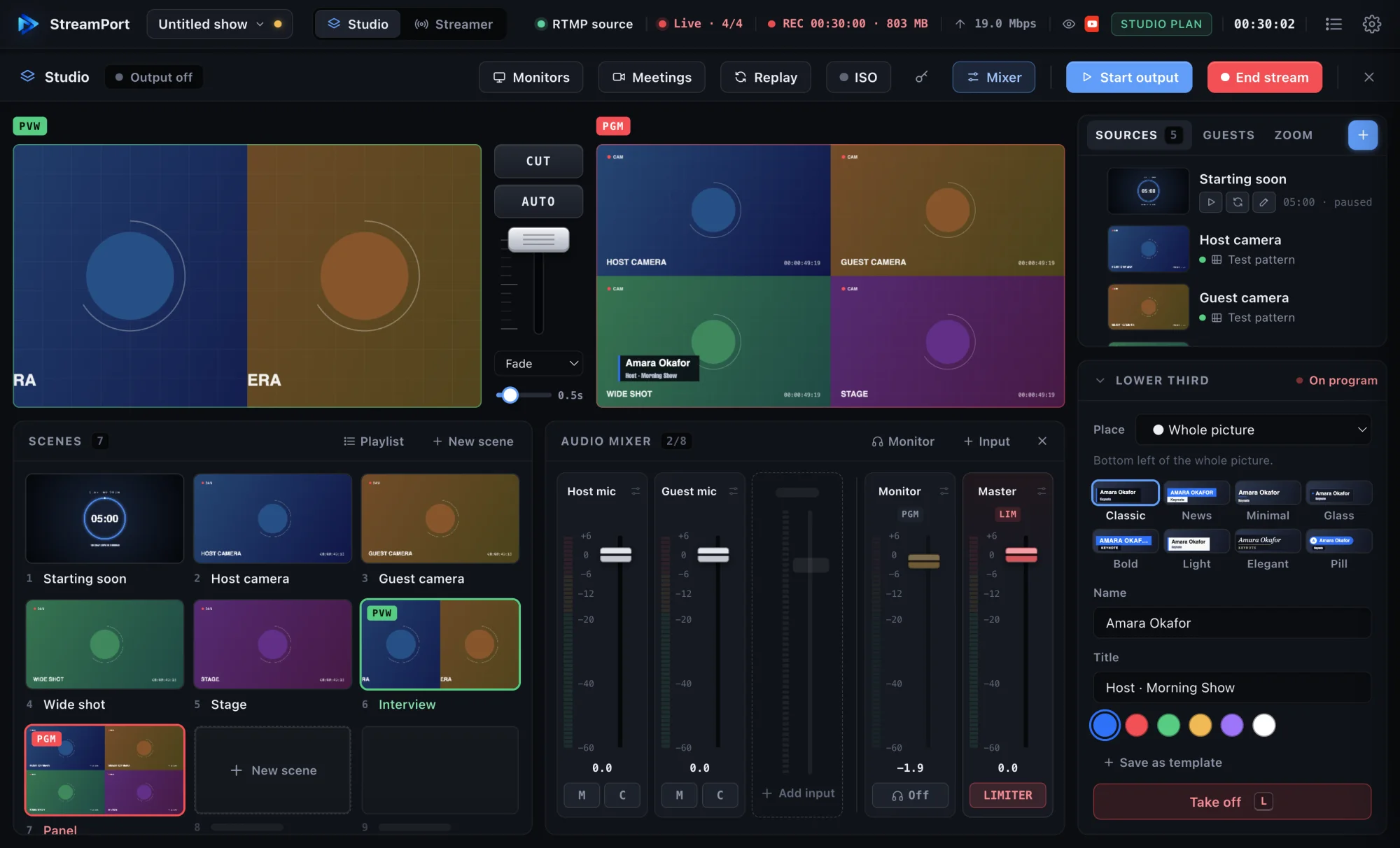
Scenes, layers, transitions, a real T-bar. Full HD.
Learn more →Browser guests from a link, and Zoom participants as sources.
Learn more →EQ, compressor, audio-follows-video, monitor and limiter.
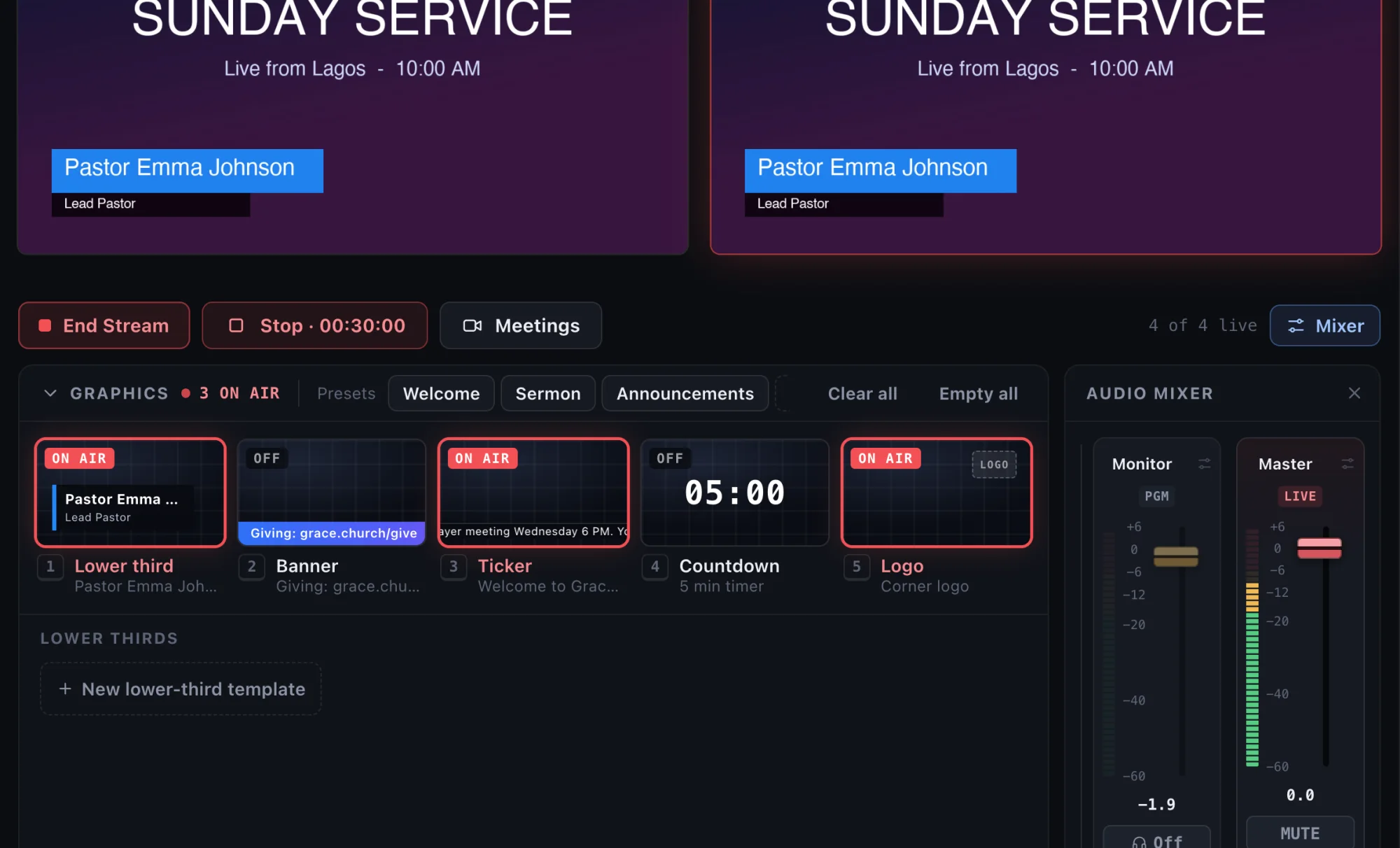
Learn more →Lower-third templates, countdowns and chroma key.
Learn more →YouTube, Facebook, Twitch and 12 more at once.
Learn more →Multi-viewer, Live Output monitors and NDI out.
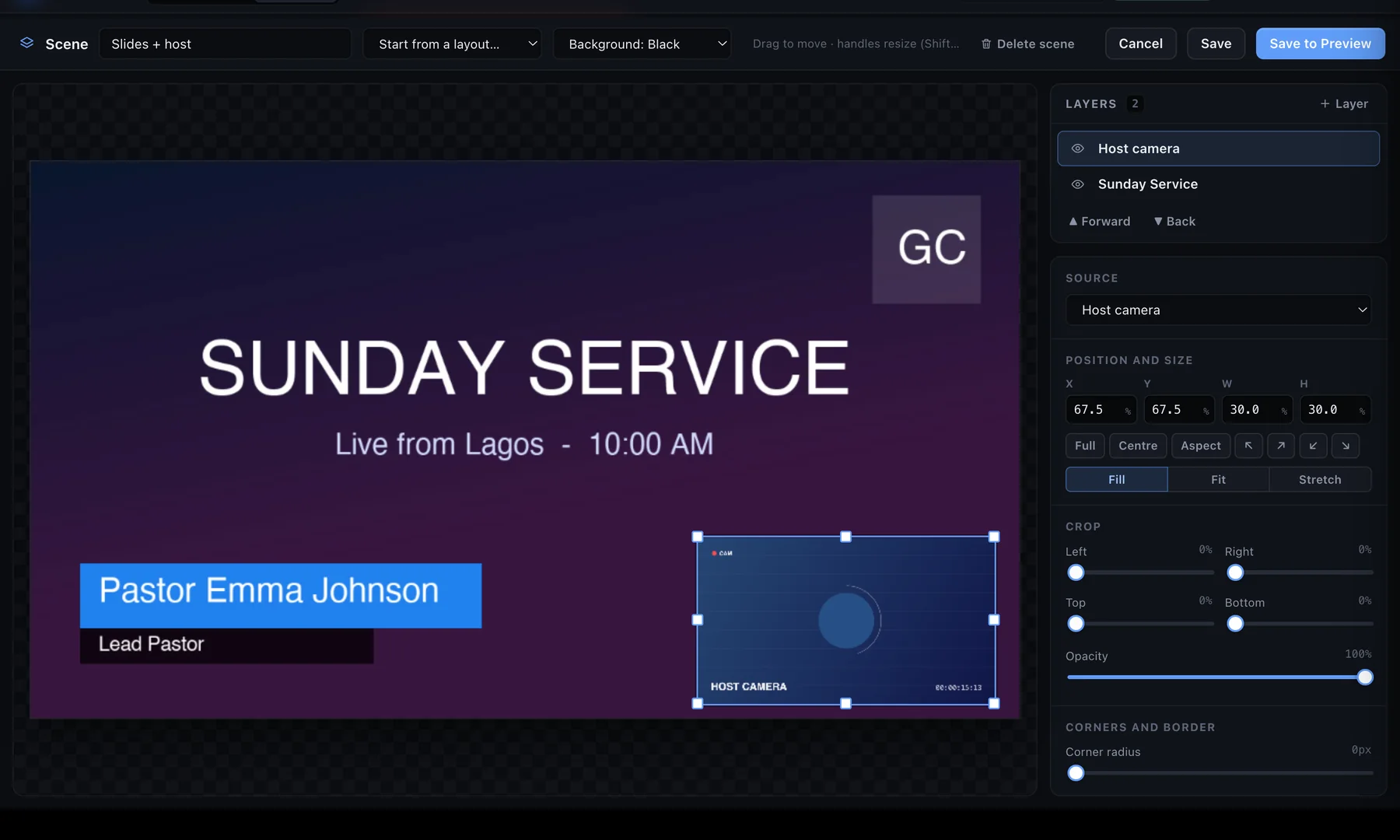
Learn more →Preview and Program side by side, CUT and AUTO, and a T-bar that moves like the real thing. Build each scene from layers: move, resize, crop, round and border them, and key out a green screen on the GPU.
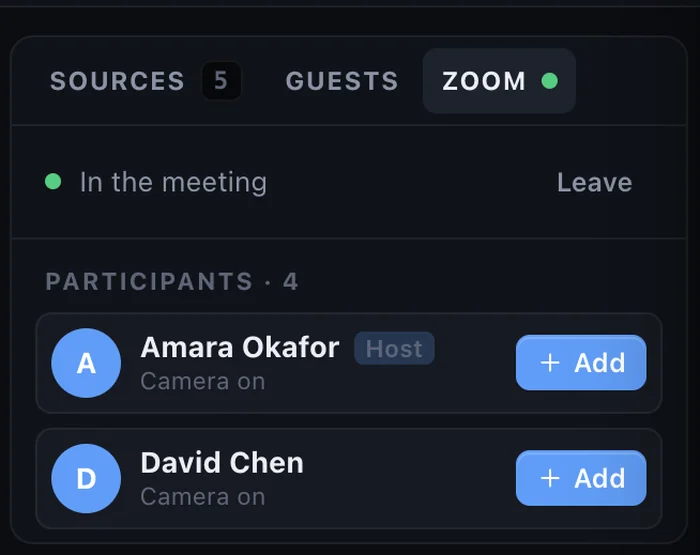
Send a link and guests join from any browser or phone, with nothing to install. Or join your Zoom meeting and put each participant in the show as their own camera, with their own mixer channel.
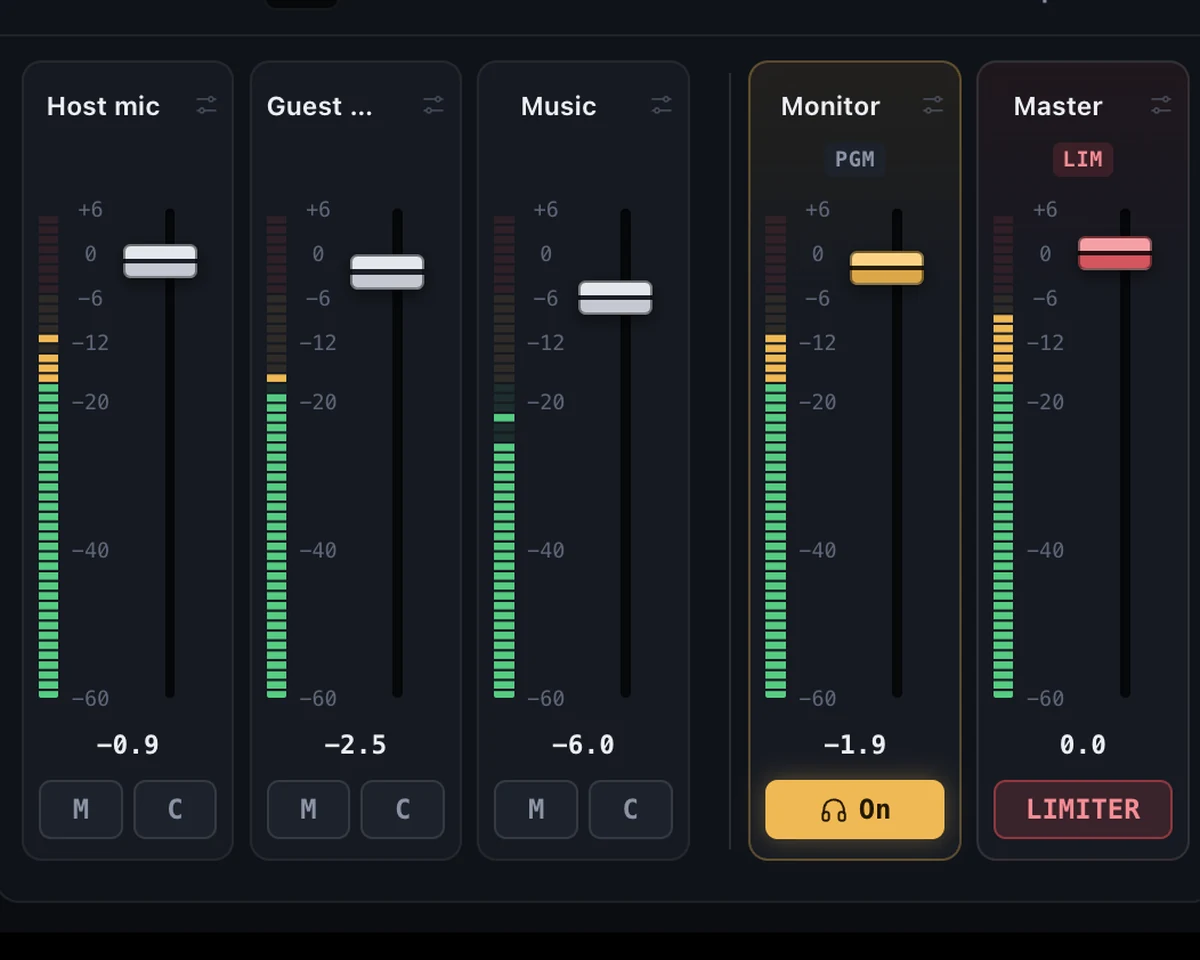
Every microphone, guest and video gets a channel strip with meters you can trust. Shape voices, keep music under speech and protect the stream with a limiter.
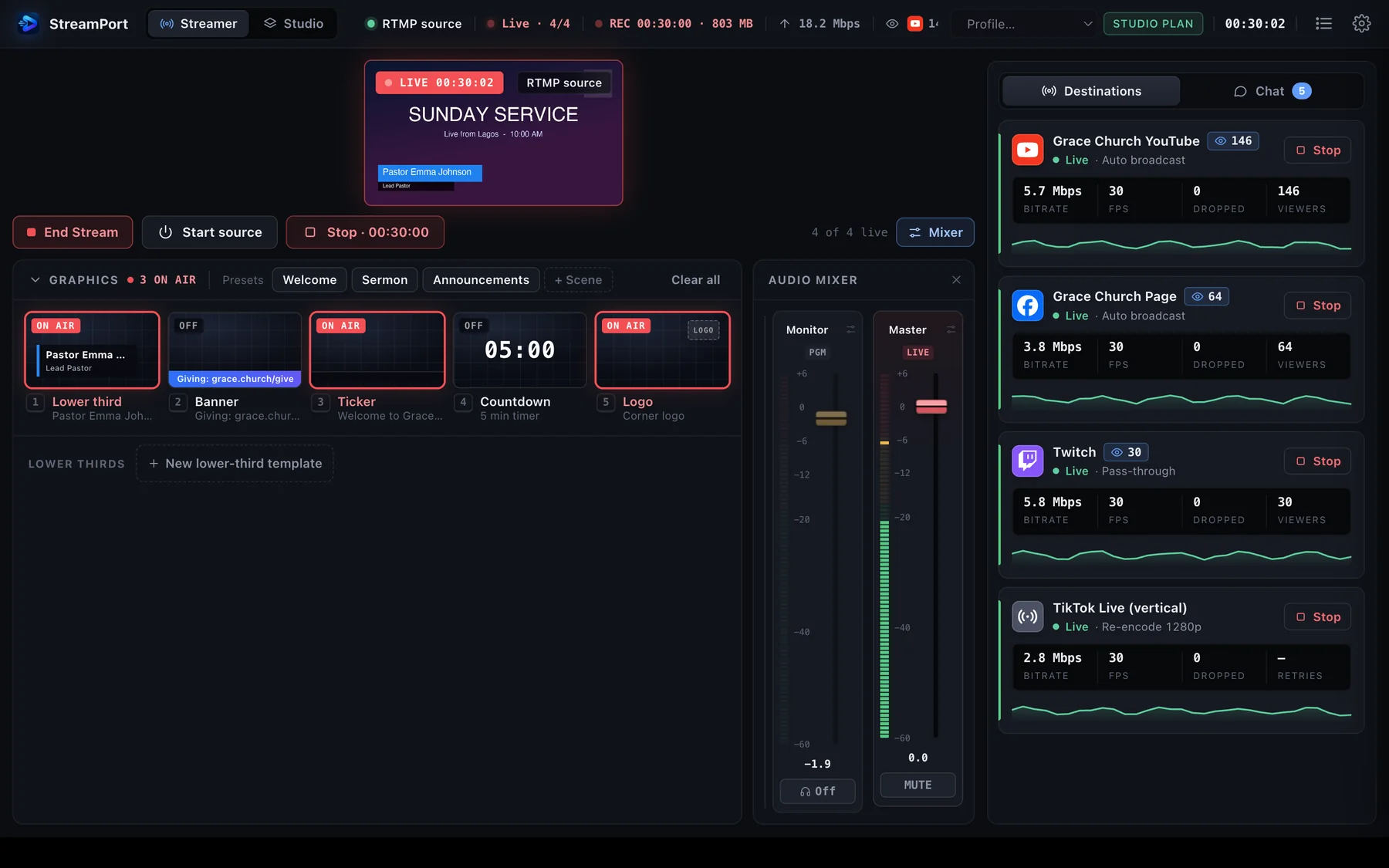
Pick your destinations, type the title once and go live everywhere. Each platform reconnects on its own if it hiccups, and you see bitrate, frames and viewers live.
Cameras, capture cards, screens, NDI, videos, browser guests and Zoom participants.
Start from a template, add graphics and set your mix. Save it all as your show.
Choose your platforms, check the pre-flight list and press Go Live.
Download StreamPort and try every feature free for 14 days. No credit card.